The problem
A sip-and-puff switch is a good way to click. Breathe in, breathe out, and a person with almost no voluntary movement has a reliable, repeatable, fatigue-resistant button. That has been solved for decades.
What a sip-and-puff switch can’t do is point. Scanning interfaces — where a highlight steps through the options and you puff when it arrives — work, but they are slow in a way that is hard to convey unless you’ve watched someone use one. The waiting is the interface. A person with a full inner life spends it waiting for a cursor.
Commercial eye trackers solve pointing, and the good ones are excellent. They are also priced for institutions. So: can an Arduino UNO Q, a webcam and a breath sensor do enough of this to be useful? Not as good as a $5,000 appliance — enough to be useful.
What it is
Two halves that deliberately don’t trust each other:
- A CircuitPython breath board reads the pressure sensor and is the USB HID endpoint. To any host it’s just a keyboard — laptop, Chromebook, tablet or console, nothing to install. (Assistive tech that needs software installed needs an IT department’s permission, and that’s often where it stops.)
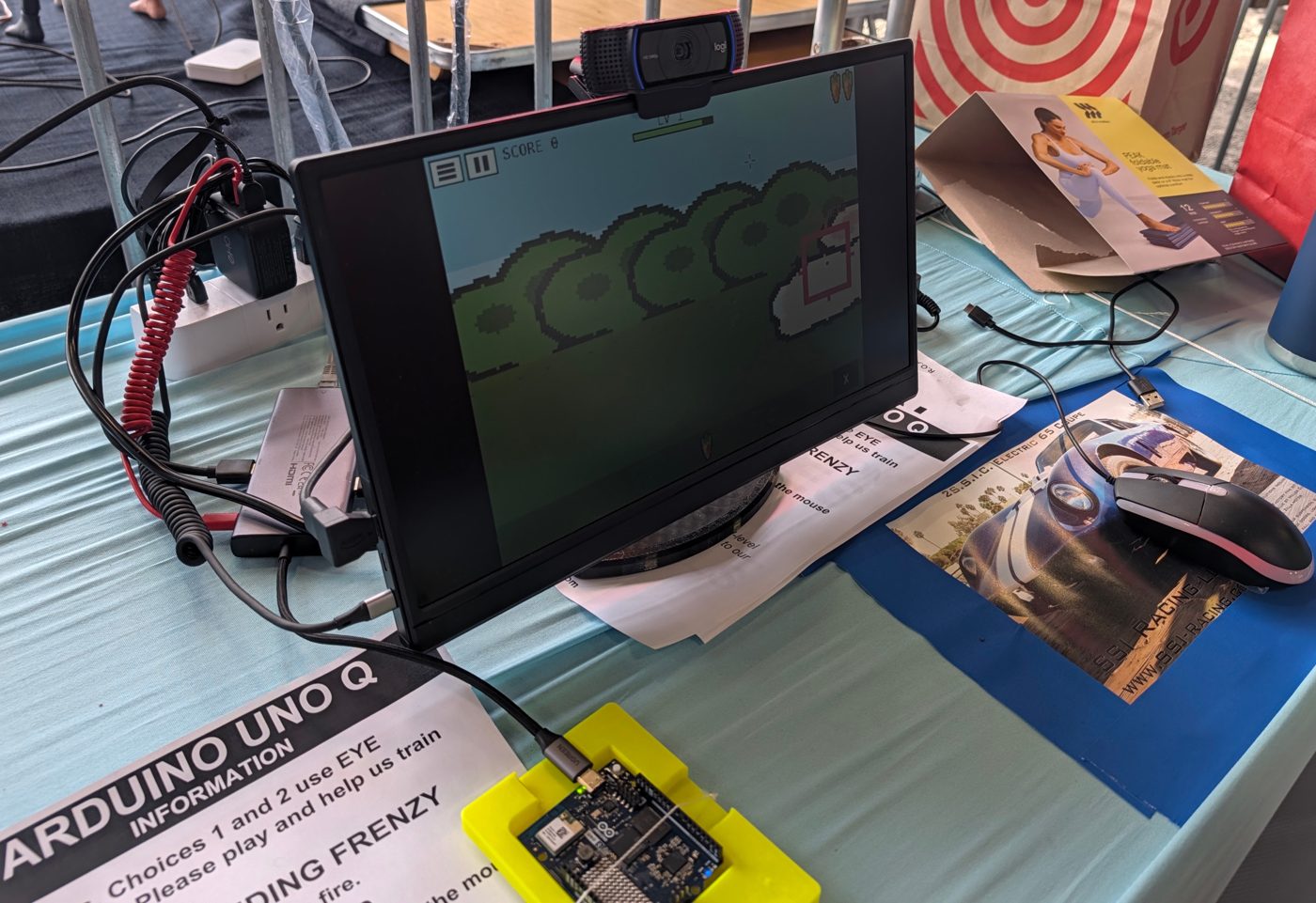
- An Arduino UNO Q does the vision. It watches the user’s face through a Logitech C920x, estimates where on the screen they’re looking, and streams gaze over UART to the breath board.
The camera is the part most likely to fail — bad light, a head turn, a laughing child — and when it does, the breath switch still works. Nothing in the fast path depends on the camera being happy.
You sit 50–70 cm from the camera, keep your head still, and follow nine calibration dots. Then the screen is a 4×2 grid of big cells, and whichever one you’re looking at lights up. No twitchy cursor — highlighting the whole cell is calmer and more honest about what the system actually knows. The same tracker drives Bunny Feeding Frenzy (aim with your eyes; at the Faire the carrots auto-threw, and sip-and-puff or rubber-chicken throwing comes next) and the T-Rex Talker communication board, with speech generated on the UNO Q itself using Piper — no cloud, no account, no network. The user’s words never leave the box.
My daughter Nova, like many first-timers, moved her head too much on her first training run — which turned out to be the whole story.
Three days at Maker Faire
Bench numbers are hypotheses. A queue of strangers is the experiment.
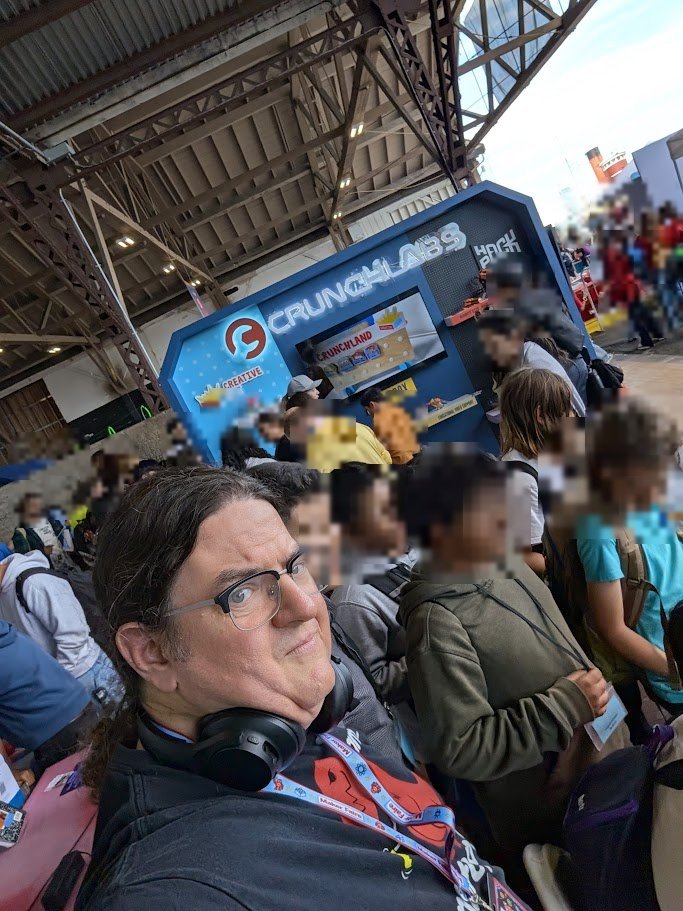
At Bay Area Maker Faire (Sep 25–27, 2026), 125 people sat down at the eye-tracking station, trained the tracker and made 2,413 throws — and many more played at the booth’s other stations. Most of the eye-tracking testers were children; none were briefed.
- 6.26° median error across all visitors (20.60° at the 95th percentile) — not the 3.27° I measured on myself in the lab.
- 87% of visitors reached a median of 10° or better.
- 10% got nothing at all — 13 people sat down and left with zero valid throws.
Those last two numbers belong together. A pooled average is dominated by whoever stayed longest, and it can’t show you the person who got nothing. So why did that 10% fail?
Head turn is a cliff, not a slope
| Head turn | Throws | Valid | Median error |
|---|---|---|---|
| 0–5° | 955 | 78% | 5.69° |
| 5–10° | 532 | 71% | 6.22° |
| 10–15° | 313 | 58% | 7.08° |
| 15–20° | 199 | 63% | 10.41° |
| 20°+ | 591 | 5% | 12.84° |
Past about 20° the camera has one eye to work with, and the tracker doesn’t degrade — it stops. Every failed session sat beyond that line. Distance from the screen, which I’d suspected, turned out not to be the cause of total failure. And nothing on screen told those visitors their head was the problem, even though the software was computing head turn the whole time. That’s fixable.
We are not losing the eye. We are losing the head. And that isn’t a fairground workaround: powered wheelchairs very often already have a headrest. The excited, unsupported child at a faire is the hard case, not the typical one.
Light mattered more than anything else I changed
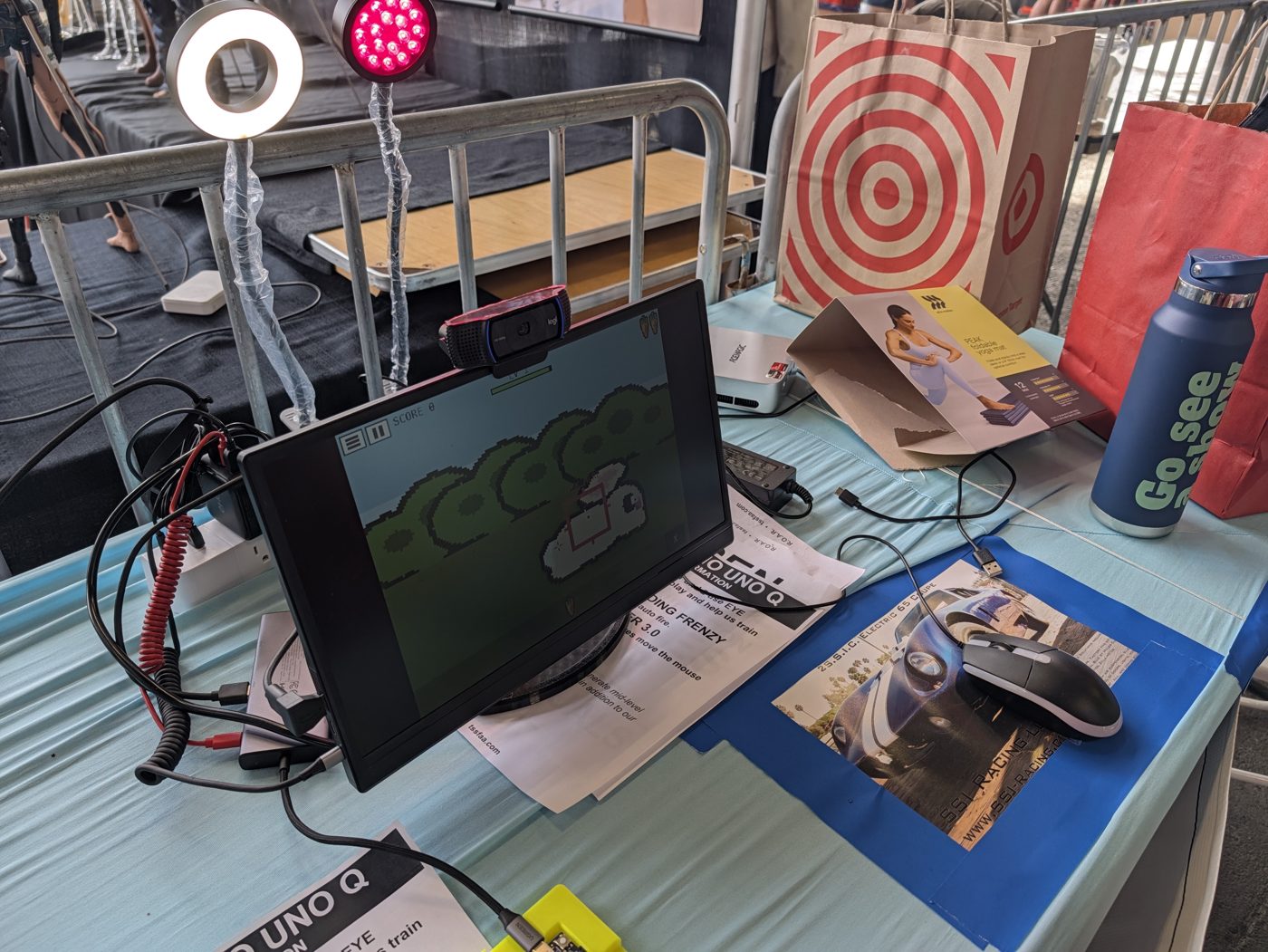
Sixteen red LEDs (~625 nm) were tested against no lamp in four runs, alternating on, off, on, off, so that a tired subject couldn’t be mistaken for an effect of the light.
| Condition | Median scatter |
|---|---|
| Lamp on | 82.5 px (1.65°) |
| Lamp off | 267.5 px (5.35°) |
3.2× steadier, and it reproduced independently in the game on a different night. Just as important: the two lamp-on runs differed by 5%, the two lamp-off runs by 86%. Without light the tracker isn’t merely worse, it’s unpredictable — the more damaging property for a device someone depends on. Red, because it passes a webcam’s IR-cut filter freely, and the pupil-to-iris edge is higher-contrast in red light. (Claim kept narrow on purpose: the lamp makes gaze steadier; whether it’s more accurate is unproven.)
Getting it running on the UNO Q
Everything runs on the UNO Q itself, with no PC and no cloud. Its QRB2210 has no NPU, so the face and iris models run on the four Cortex-A53 cores. We were able to do all this running on top of two of our existing apps, Bunny Feeding Frenzy and T-Rex Talker 3.0, which demonstrates the power of the device to be the sole device, or to be a mouse, a keyboard, or things we haven’t even thought of.
Faster inference won’t fix the main failure, though: no amount of compute lets a single camera follow the head turning real users did. The answer is two cameras, and with GPU acceleration in place we expect the UNO Q to process both.
Written down because I couldn’t find it anywhere, and anyone doing vision on this board will hit all of it:
- MediaPipe can’t run on the QRB2210 — and doesn’t tell you. The aarch64 wheel installs and imports fine, then the first inference dies with SIGILL (it uses ARMv8.1 atomics; the Cortex-A53 cores are ARMv8.0). Use LiteRT directly with the face and iris models instead.
- Capture at the inference resolution. 720p with matching model input went from 15.0 to 23.2 fps. Three inference threads, not four — the fourth starved the camera decode.
- The C920 silently resets its controls when streaming starts. Open, discard warm-up frames, then apply exposure settings and read them back.
- The simple model won. A seven-parameter linear fit beat a 66-parameter polynomial at every calibration size — and nine calibration points get within half a degree of twenty-five, in a third of the time. In a queue, that’s the whole argument.
Bench result on me: 3.27° mean error over 26 held-out targets.
What I built for the people it excluded
On the last day of the Faire (Sep 27), for fun: head pointing. A small printed tag on a pair of glasses drives the same communication board through the same dwell selection — no face mesh, no neural network at all.
- 100% detection, 0 losses in 359 frames of use
- Five-point calibration, 17.3 fps on the UNO Q
- Tester’s verdict: “dead on.”
People turn their heads far more than they nod, so a denser head-driven board should add columns, not rows.
Where it goes next
- GPU acceleration. Bring up the Adreno 702 GPU through LiteRT’s GPU delegate (MediaPipe’s GPU path crashed on this board), freeing the CPU for a second camera.
- Two cameras. Suggested by Massimo Banzi, Arduino co-founder, at Maker Faire: a carrier board for this chip has two CSI camera ports. Stereo measures head pose directly instead of guessing it from one camera — exactly what fails past 20°.
- Infrared, properly. The lamp already carries an 850 nm IR LED that the webcam can’t see. A NoIR camera turns that dead component into the main light source — the way commercial trackers find the pupil.
- Cheapest first: feed the head-tag position into the gaze model as its head-pose input. One day of work, no purchase order.
- Close the loop with breath. Hook the T-Rex Sip-N-Puff and the rubber chicken up to throw and select, replacing the Faire’s auto-throw.
- Tell users they’ve drifted. Extend the NeoPixel ring to show “you’ve moved since calibration”, fall back to one eye when the other is lost, and re-center from confirmed selections.
None of the hardware ideas above has been tested yet.
Everything is open
Code, measurement scripts and the anonymised study data (gaze coordinates, head angles, distances and timings — no names, faces, images or audio) are public on GitHub under the MIT license, so every number on this page can be checked.
👍 Please give it a thumbs up on Maker.io — click the like button next to the title (free DigiKey login). Every like helps more people find it.
Thanks to the Maker Faire organisers, everyone who sat down and tried it — and especially the father who held his daughter’s head still and, without meaning to, ran the control condition for the whole project.