🐰🥕 Bunny Feeding FrenzyHow to Play
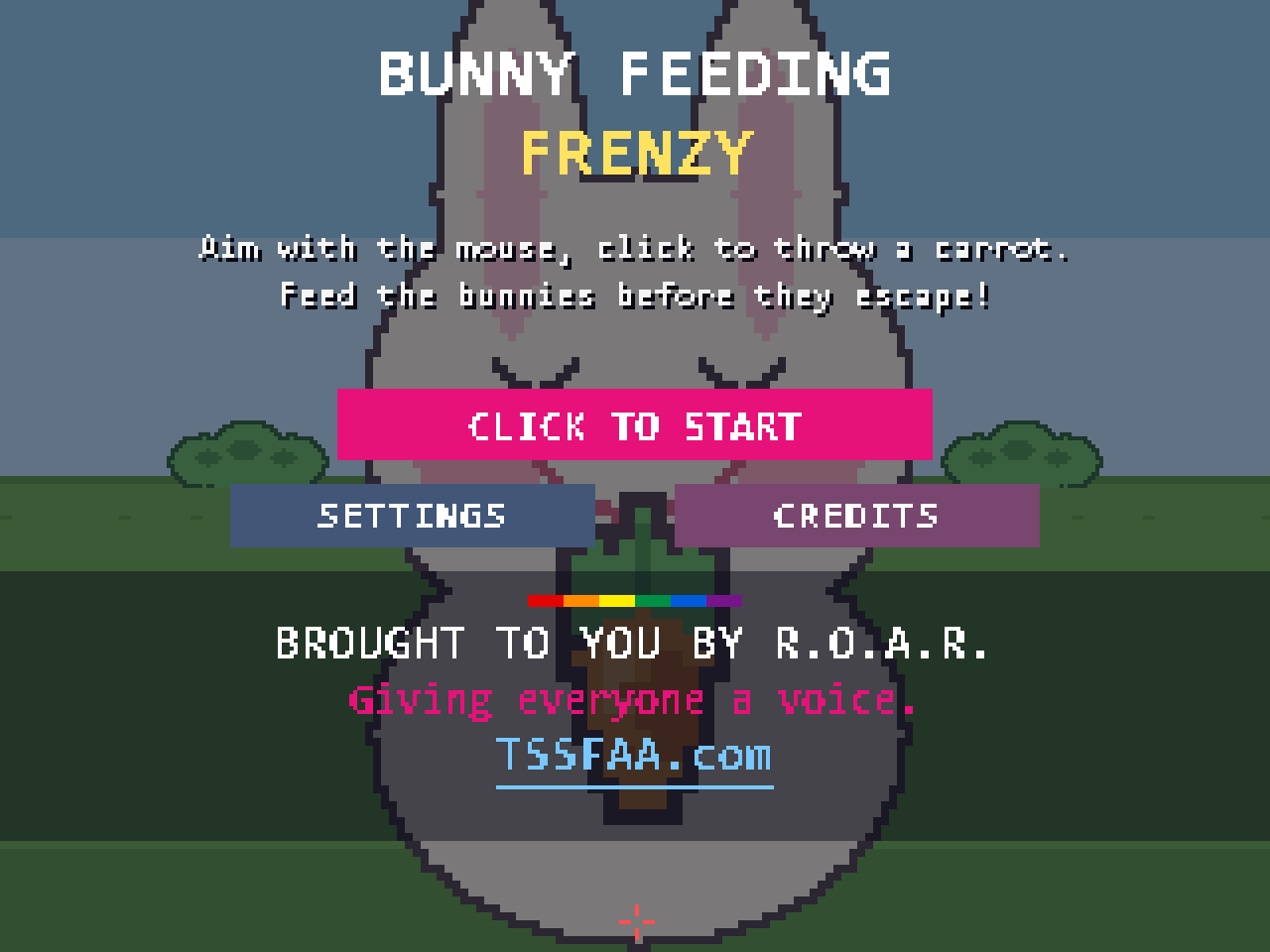
🎯 The goal
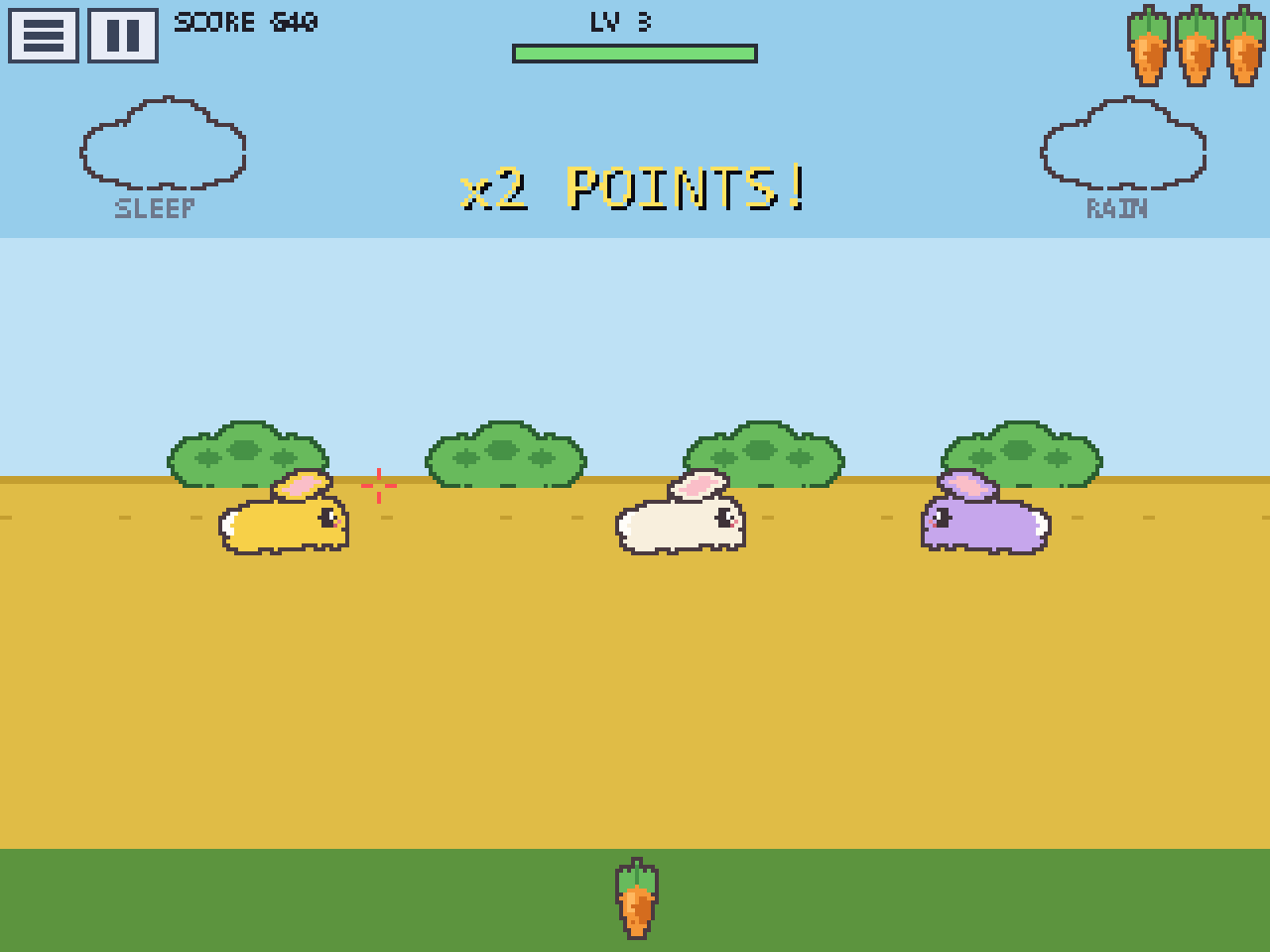
Feed the bunnies before they hop off the screen.
🎮 Choose how YOU play
Pick your control in Settings — tap CONTROL (aim) and FIRE (throw).
Tilt + “Pew”
Tilt your head or phone to aim
Say “Pew!” to throw
Settings: CONTROL = Tilt, FIRE = Voice
Touch
Tap the screen where you want the carrot to land
Settings: CONTROL = Touch
Mouse
Move to aim
Click to throw
Settings: CONTROL = Mouse
🥕 Playing
- 1🎯Aim at a bunny (the red crosshair shows where).
- 2🥕Throw a carrot — lead a hopping bunny, the carrot arcs as it flies.
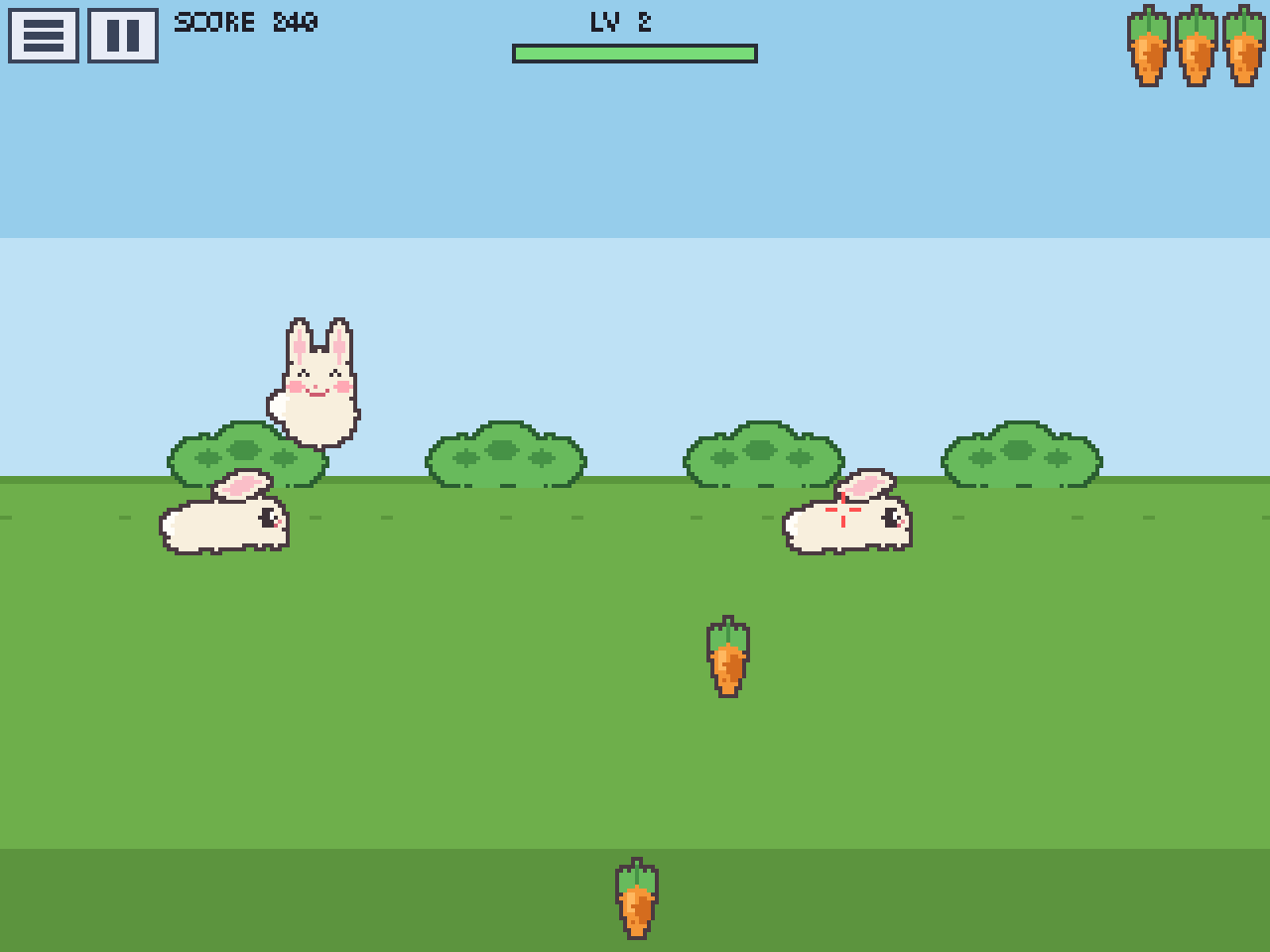
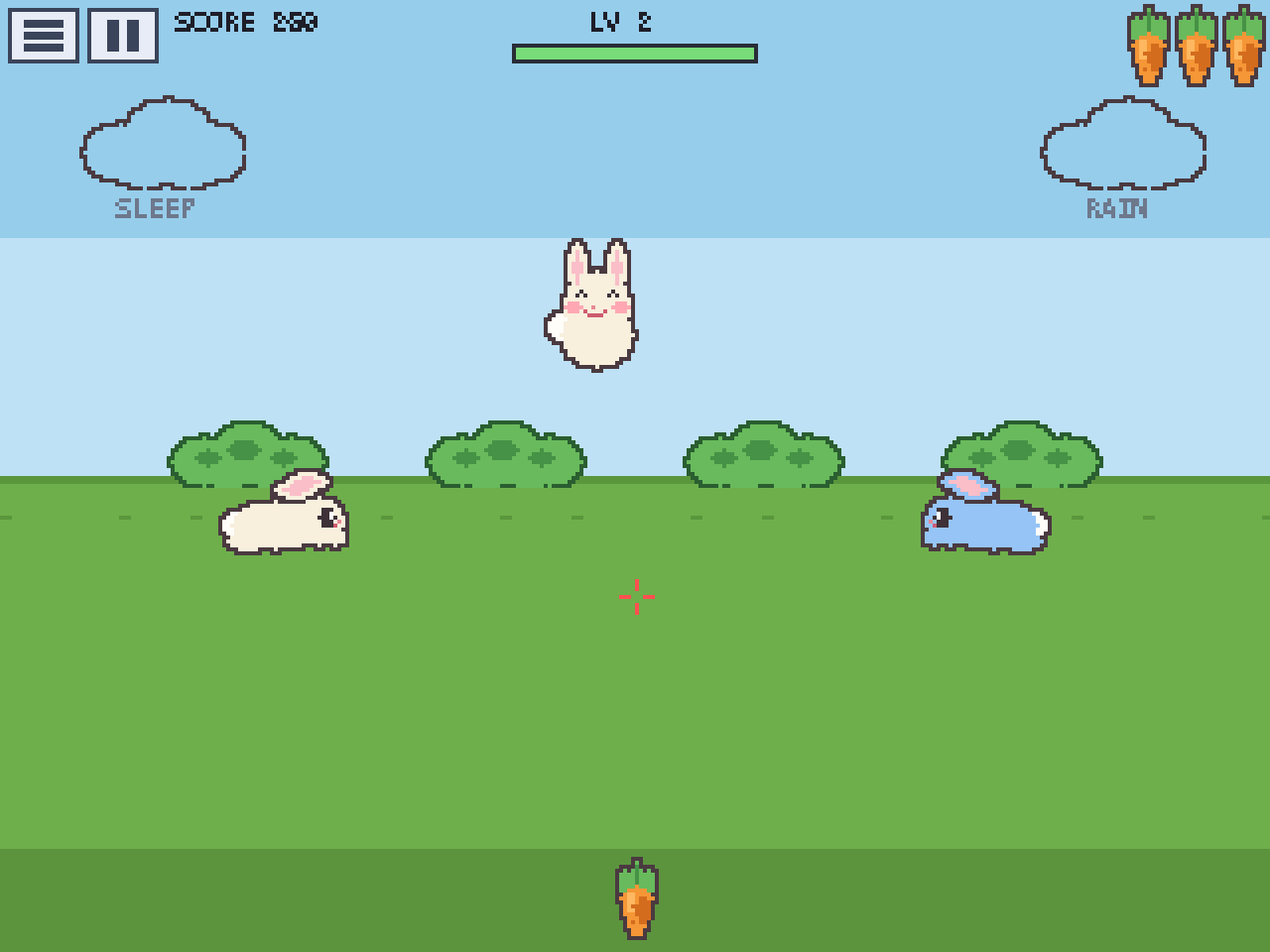
- 3😊Fed! The bunny munches and floats up happy. You score.
- 4⚠️If a bunny reaches the far side it escapes — you lose a carrot 🥕 (a life).
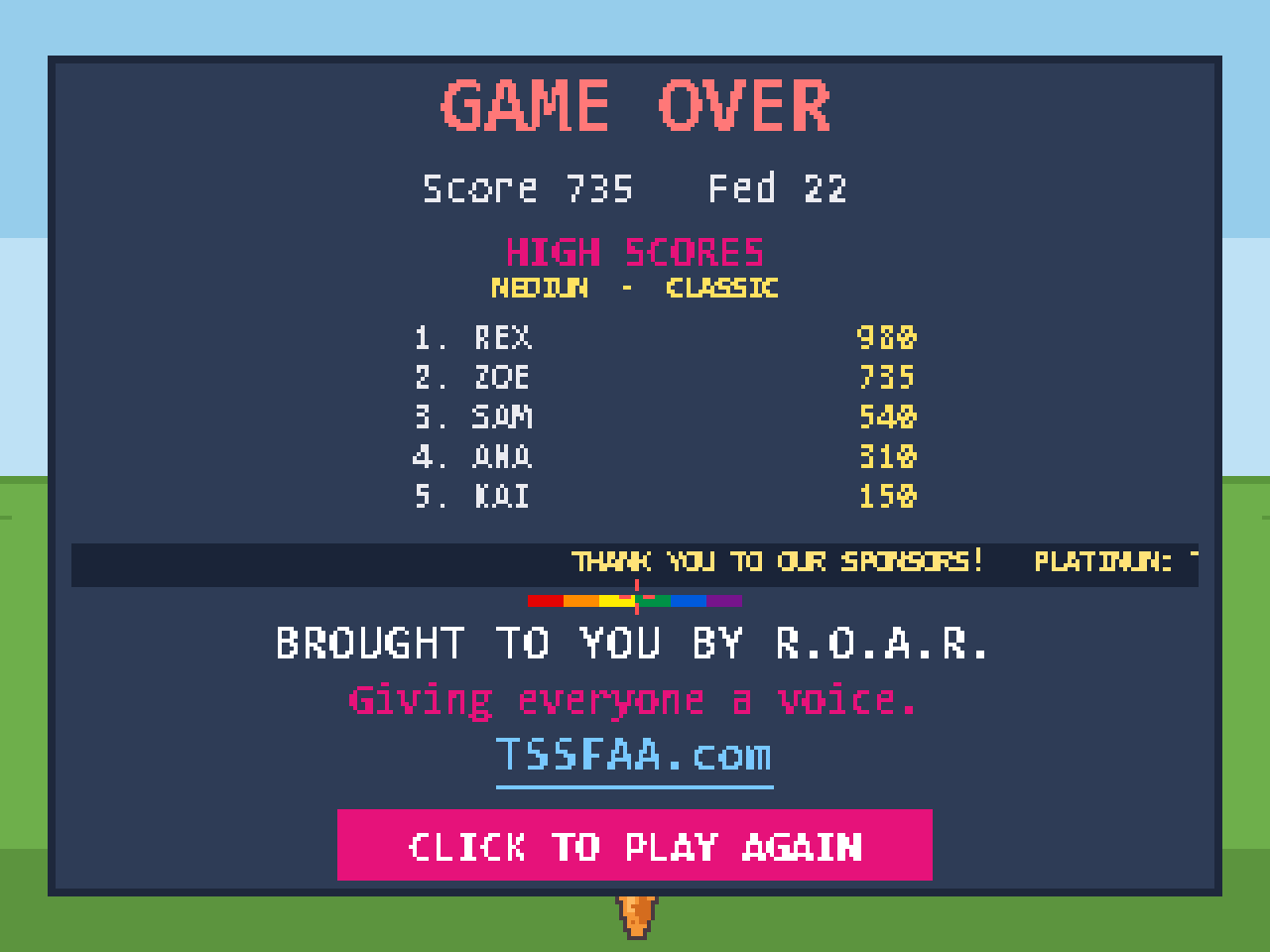
🏆 High scores
🎓 About this trainer
This game is a demonstration & training tool for special-needs input devices, made by an input-device trainer at R.O.A.R. (TSSFAA.com).
The backstory: the trainer needed a baseball cap to zip-tie a Sip-’n’-Puff and a motion sensor (IMU) onto. While browsing a second-hand shop he spotted a knock-off “Duck Hunt” cap — and a Duck-Hunt-inspired game became the perfect way to demonstrate tilt-to-aim and “Pew”-to-fire on the hat rig. 🎣🥕